Set environment variables for profiled processes
Overview
For many profiling session types, you can define user-defined environment variables that are set for the profiled process when it starts.
Step by step
- In the Session Configurator, click the “Environment Variables” button in the “Application Options” section to open the dialog for the environment variables.
- The number on the button indicates the number of environment variables currently defined.
- The button is only displayed if the respective application type supports setting environment variables.
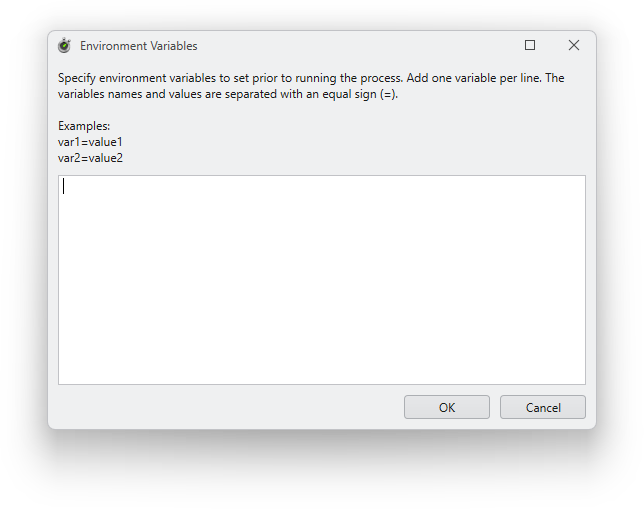
- In the dialog box that opens, enter the desired environment variables in the text field.
- Enter one environment variable per line.
- The name and value of the environment variable are separated by an equal sign (=) (example: MyVar=MyValue).
- Click the “OK” button.