Call contexts
Overview
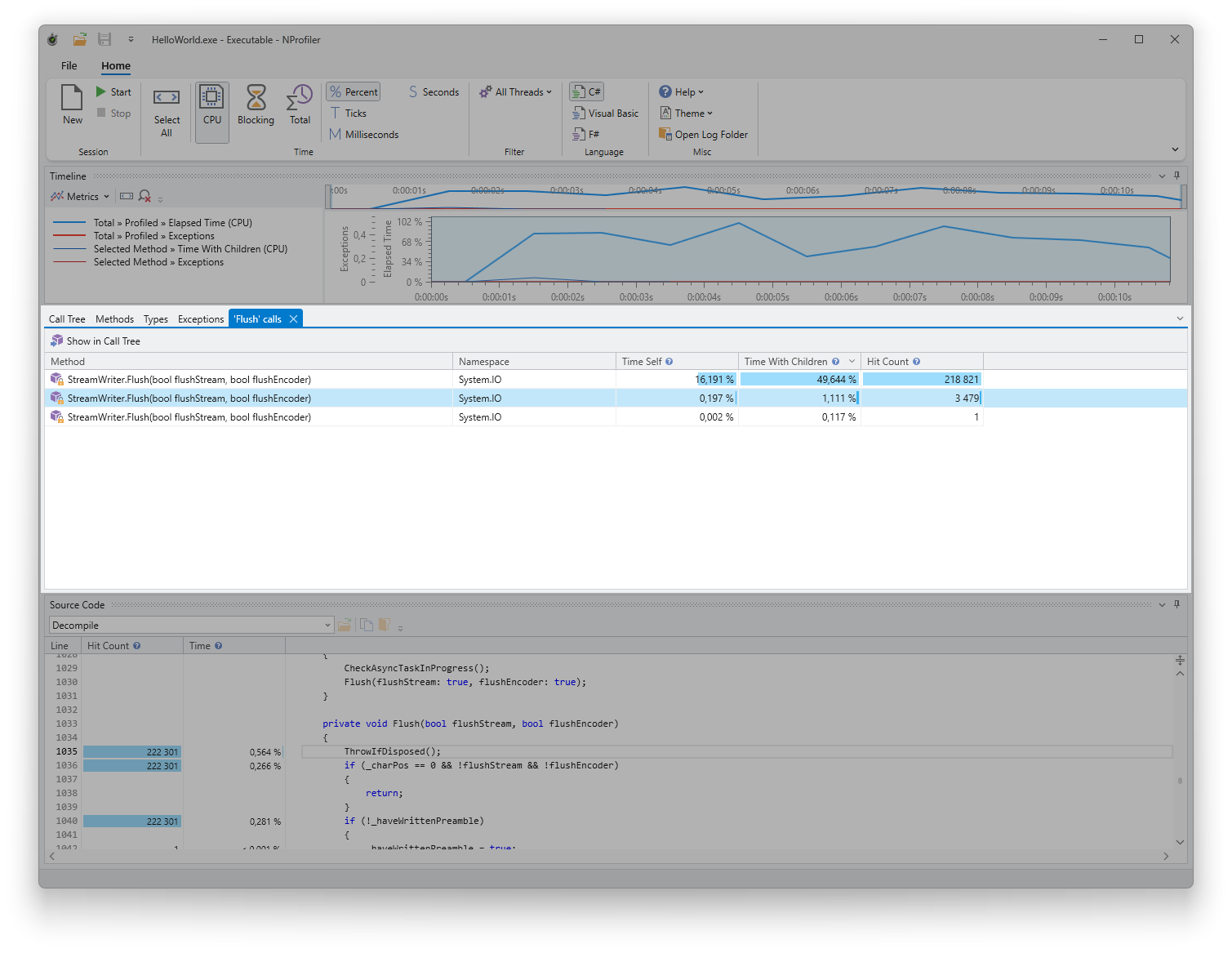
The call context list displays all invocation contexts of a specific method, effectively showing every location within the call tree where the method is called. It also provides data on execution time and the total number of calls.
Usage
Each entry in the list corresponds to a specific node in the call tree. For detailed information regarding columns and usage, please refer to the shared call grid documentation.
You can display the call context list for any method by selecting “Find All Calls” from the method's context menu in any of the other tool windows.
Commands
The following commands are available via the context menu or the toolbar:
- Show in Call Tree: Locates and highlights the selected entry within the call tree. To improve focus and clarity, all other nodes in the tree are automatically collapsed.